Camera measurement
Place a start point, drag to the end, and keep the tape anchored to the scene while you move the phone to check it.
ARKit on iOS, ARCore on Android, and LiDAR depth where supported.

Measure it where it stands.
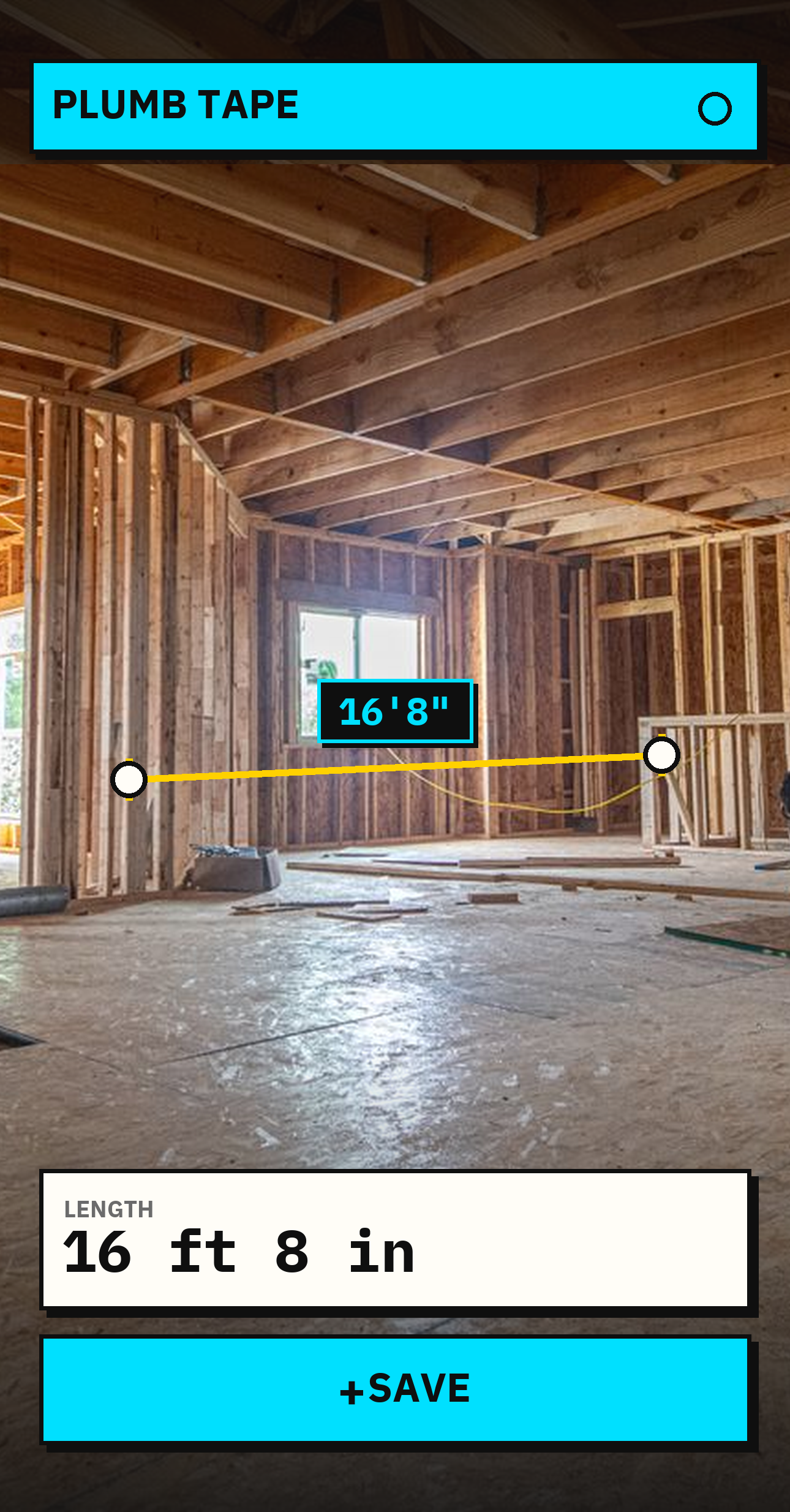
Place two points in the camera view, read the real-world distance, and save the measurement with a composite photo so the number still makes sense later.
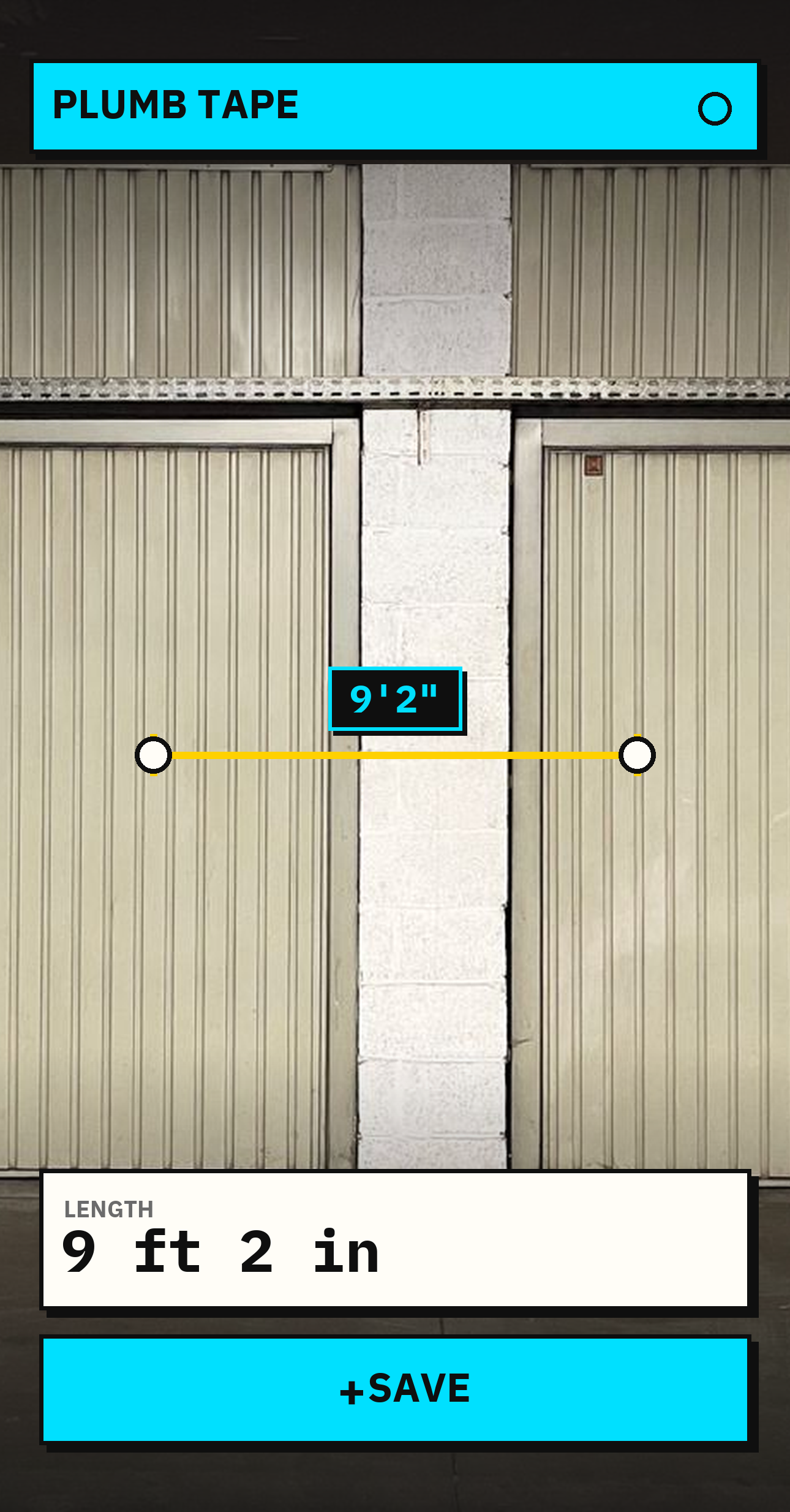
Point. Place. Measure.
Place a start point, drag to the end, and keep the tape anchored to the scene while you move the phone to check it.
ARKit on iOS, ARCore on Android, and LiDAR depth where supported.
Level-aware guidance, edge and corner snapping, a zoom loupe, and manual point adjustment help place each endpoint deliberately.
Every saved result is normalized to 1/256 inch base units.
Save a composite of the scene with the measured line and reading drawn directly over it.
The picture, reading, time, notes, and optional location stay together.
Search and pin measurements, then share or export a branded PDF, PNG ledger, or .plumb backup.
On-device records with no account or recurring fee.
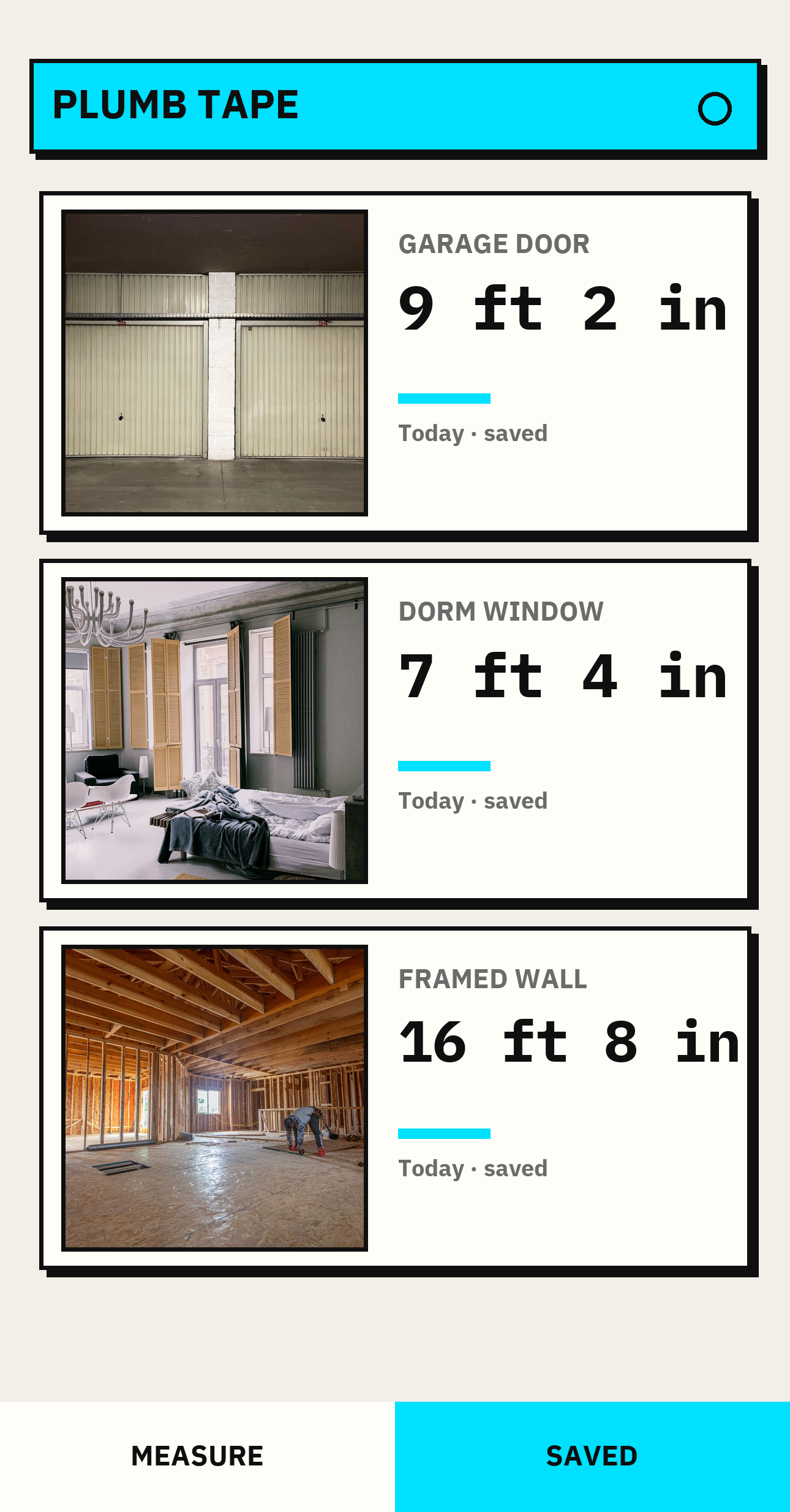
Core work happens on the device. There is no account required for job records, no advertising SDK, and no cloud failover for tool results. Sharing happens when you choose it.
Read the product privacy policy →AR measurements are estimates affected by lighting, surface texture, camera hardware, tracking quality, and point placement. Confirm important dimensions with a physical tape or laser.
Read the terms and limitations →Support, store availability, and privacy requests, answered directly.